How to Empty iCloud Backups
Part 1: How to Empty iCloud Backups
Many apps tend to back in your iCloud automatically and may be the ones consuming more space. If you decide to free up iCloud storage by deleting the apps that you do not need in the storage, then this is the way to go.
If you are having an iPhone, iPad, or iPod touch with iOS 10.3 or later:
Go to Settings > [your name] > iCloud.
If you use iOS 11, tap Manage Storage > Backup. If you use iOS 10.3, tap iCloud Storage > Manage Storage.
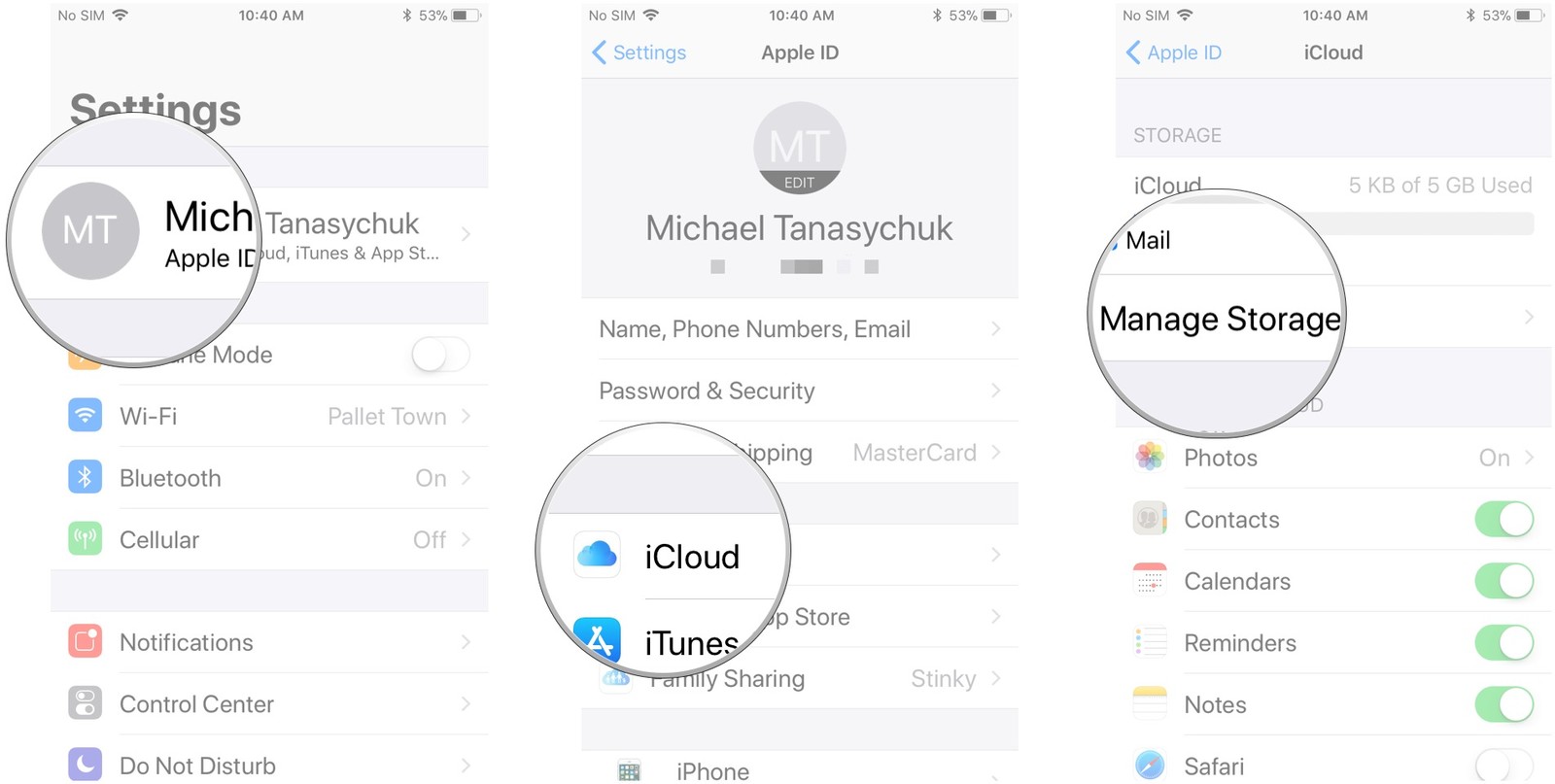
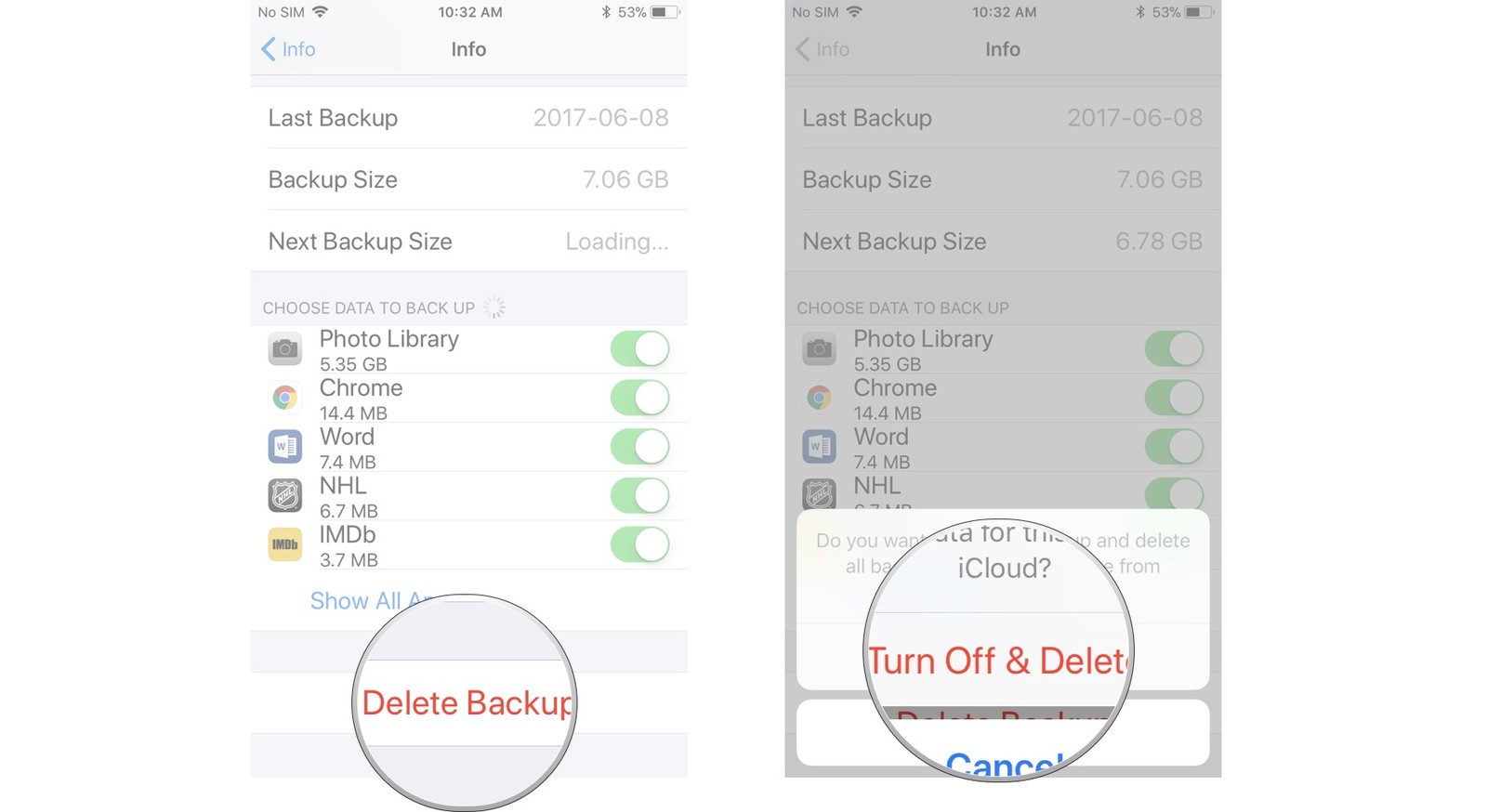
Tap the name of the device you are using [i.e. (Device-name) This (device type)].

Tap Delete Backup > Turn Off & Delete.
Sponsor Ads:
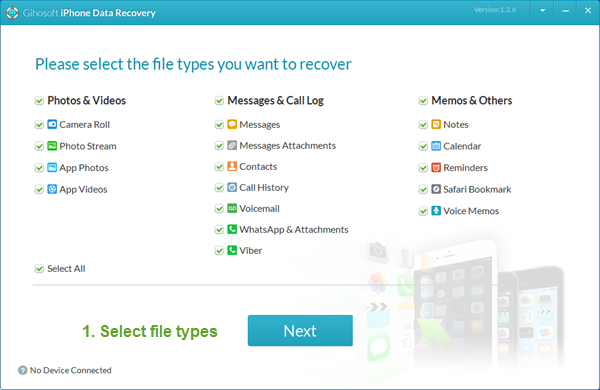
Gihosoft iPhone Data Recovery is a professional iPhone Data Recovery software to get back all your lost text message, photo, video, call history, note, contact and more from iPhone/iPad/iPod Touch. It offers a full solution to recover your lost data in different tough situations. Besides recovering data directly from iPhone, iPad and iPod touch, it also allows you to recover data from iCloud and iTunes backup files.


No comments:
Post a Comment